From Creation to Distribution: A Complete Visual Content Workflow for Non-Designers
How to create, optimize, and share professional images without touching Photoshop
Visual content is no longer optional—it’s the currency of digital communication. Whether you’re building an e-commerce brand, managing social media, or simply sharing portfolio work with clients, you need a steady stream of high-quality images.
But here’s the problem: traditional design workflows are fragmented. You edit in one tool, create in another, then scramble to find a reliable way to share large files that won’t clog inboxes.
What if you could streamline everything into three simple steps?
This guide walks you through a complete creation-to-distribution workflow using three complementary tools that work together seamlessly—even if you’ve never opened a design program in your life.
Step 1: Polish Your Existing Assets
Most of us have hundreds of photos sitting on our phones or hard drives that are almost perfect. The lighting is off. There’s a tourist in the background. The product shot looks flat.
Instead of deleting these or spending hours learning complex software, use AIPhotoEditor.io to salvage and enhance them.
Upload any JPG, PNG, or WebP file and describe what needs fixing in plain English:
- "Remove the person in the red shirt from the background"
- "Change the background to a clean white studio setting"
- "Make this look like a professional product photo with better lighting"
The AI handles the technical work—rebuilding backgrounds, adjusting colors, and removing distractions—while you focus on the creative direction.
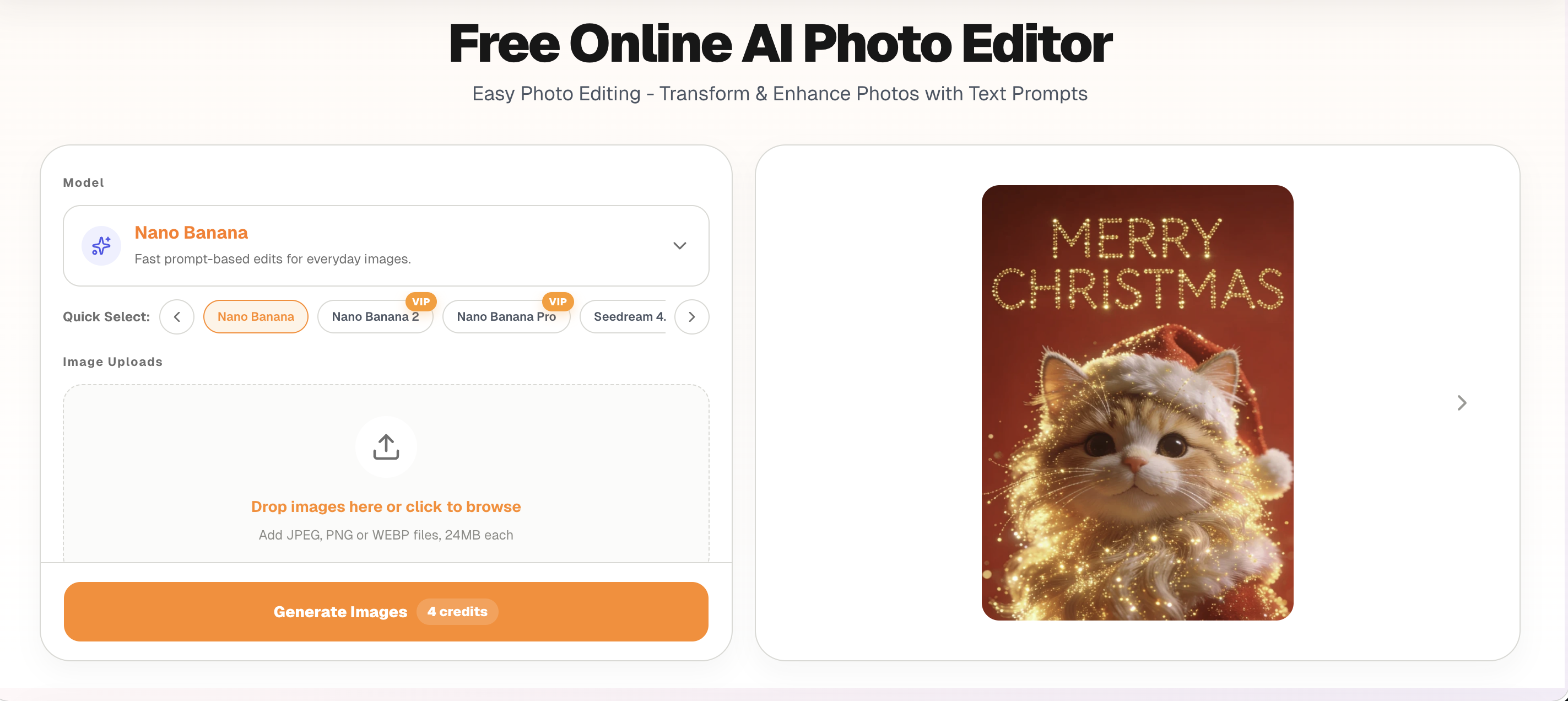
Pro tip: This works exceptionally well for e-commerce sellers cleaning up product shots, real estate agents removing clutter from property photos, or professionals polishing LinkedIn headshots.
Step 2: Generate Fresh Creative Assets
Sometimes editing isn’t enough—you need entirely new visuals. Maybe you want to create variations of a product shot for seasonal campaigns, or generate concept art for a client presentation.
That’s where the AI image generator comes in. Using the same platform, you can:
- Create multiple style variations from a single reference image
- Blend elements from several photos into one composite
- Generate entirely new backgrounds while keeping your main subject intact
For example, upload your summer product photo and prompt: "Same product, winter holiday theme, snow background, warm lighting." In seconds, you have a December-ready asset without a reshoot.
This feature shines when you need batch creative variations for A/B testing ads, social media content calendars, or seasonal marketing campaigns.
Step 3: Distribute Without Friction
Now you have polished, professional images. But how do you share them? Email attachments get blocked. Cloud storage links expire. Messaging apps compress quality.
This is where an image-to-link service completes the workflow. Instead of wrestling with file size limits or platform restrictions, you simply:
- Upload your optimized image
- Receive a clean, shareable URL instantly
- Distribute via email, Slack, WhatsApp, or social media
The link works everywhere—recipients can view the full-resolution image in their browser without downloading anything or creating accounts. For teams, this eliminates the "I can’t open this file" back-and-forth. For creators, it means portfolio pieces load instantly for potential clients.
The workflow synergy: Edit in AIPhotoEditor.io → Generate variations with the creative AI tool → Share instantly via this link generation platform.
Real-World Workflow Example
Let’s say you run a small jewelry business:
Monday Morning: You photograph a new necklace on your phone, but the background is messy. You upload it to the AI photo editor and prompt: "Remove background, replace with soft gradient, studio lighting."
Monday Afternoon: You need versions for Valentine’s Day and summer campaigns. Using the image generator, you create three variations: one with romantic red tones, one with beach vibes, and one with minimalist white space.
Tuesday: You send all three versions to your marketing team. Instead of clogging their inboxes with 15MB attachments, you use the image hosting tool to generate three clean links. They review instantly, approve the Valentine’s version, and you post the link directly to your Instagram bio.
Total time: 10 minutes. Total cost: Near zero. Design skill required: None.
Why This Matters
Traditional visual workflows force you to either:
- Hire expensive designers for simple edits, or
- Spend weeks learning software you’ll use twice a month
This three-tool ecosystem democratizes visual content creation. The browser-based editor handles the cleanup. The generation tool handles the creativity. The sharing platform handles the logistics.
Together, they let you move from "I have a photo idea" to "It’s shared and live" in under five minutes.
Getting Started Today
You don’t need to adopt all three tools at once. Start with your biggest bottleneck:
- If you’re drowning in unedited photos, begin with AIPhotoEditor.io.
- If you need fresh creative concepts, explore the AI generator.
- If sharing files is your headache, try this link service first.
Once you experience how smoothly they work together, you’ll wonder why you ever tolerated the old way of managing visual content.
Ready to streamline your workflow? Pick one step above and test it with a single image today.